I have spent the better part of 14 years writing Python for fun and profit.
I don’t recommend anyone does this, especially if you’re just starting off learning to program, but (joker voice) we live in a society, so it falls on our shoulders to explain how to do this effectively.
The import statement is the powerhouse of the Python ecosystem.
You categorically need it or something like it if you’re going to do anything complicated in the language.
Unfortunately, it has some deeply unintuitive characteristics which I struggled with for a long time and which I have struggled to explain to my peers and pupils.
This post attempts to de-mystify what happens when you type this out.
The environment variable PYTHONPATH controls where Python will look for crap when you give it an unqualified import statement.
Valid python modules are:
1) a .py file, wherein you can import foo.py with import foo or,
2) a directory with an __init__.py file, wherein you can import foo/__init__.py with import foo, and,
3) some more bullshit that doesn’t matter
The import statement and its cousin, the from-import statement, do two things:
1) they perform the actual import operation which involves crawling the filesystem for code files and executing them to generate module objects in memory, and,
2) they take some aspect of the result of that operation and assigns one or more variables to the current namespace (the one in which you actually typed the import statement).
These two phases are best explained separately, but they are part of the same statement and thus have some odd interactions.
Let’s look at them one at a time.
Thing 1: find it and run it
The xxx in import xxx or from xxx import whatever is the specification for the first part of this process.
When you ask the Python interpreter to do this, it will start looking through all the directories named on $PYTHONPATH (which often includes the current working directory) and scan for an xxx.py or xxx/__init__.py.
This file becomes the target of the import. If you say import xxx.yyy or from xxx.yyy import whatever, then it will be looking for xxx/yyy.py or xxx/yyy/__init__.py.
If you’re already inside some sort of module when you type the import statement, you gain access to relative imports.
These start with a dot.
Some examples:
- if you’re in
xxx/yyy.py you can say from . import whatever and this will refer to xxx/__init__.py
- if you say
from .zzz import whatever it will refer to xxx/zzz.py or xxx/zzz/__init__.py
You can use two dots to go up a level and so forth:
- while you’re in
xxx/yyy/zzz.py you can say from ..aaa import whatever and will refer to xxx/aaa.py or xxx/aaa/__init__.py
- you can even say
from ..aaa.bbb import whatever and it will refer to xxx/aaa/bbb.py or xxx/aaa/bbb/__init__.py.
Note that because xxx/yyy.py can do things with these relative imports, it doesn’t make sense to try to run it until Python has successfully executed/loaded xxx/__init__.py.
It’ll do this automatically in the background if it needs to.
This reveals something interesting about the Python module system - you don’t necessarily have to import a whole package all at once, and some packages in fact want you to pick and choose which parts you import!
If you pip install sillylib and that causes silly/__init__.py shows up on your $PYTHONPATH, even if silly/billy.py also shows up on $PYTHONPATH, you may not be able to say import silly and then access silly.billy!
This depends on whether silly/__init__.py actually includes a from . import billy.
It may omit this on purpose!
In this case, you will need to explicitly say import silly.billy.
Thing 2: mess with the current namespace
Python modules, from a post-import usage perspective, are just objects.
If you write a file foo.py that contains x = 42, you can say import foo and then access foo.x.
The actual mechanics of this is that foo in the current namespace, that is, the place you actually typed import foo, has had a varible bound in it with name foo that points to the module object which results from executing foo.py and gathering up all its assignments.
That’s the plain import xxx statement.
When you say from foo import x, it’ll load the module associated with the name “foo”, grab the attribute x out of that module, and then assign that to the name x in the current namespace.
The as clause, which we have not mentioned so far in this tutorial but you may have seen before in the wild, adjusts this behavior - you can say import foo as foo2 or from foo import x as blah to change which name the module or value-within-module gets bound to in the current namespace.
Horrifyingly, there is one very stupid edge case to how these two phases interact.
When you use a dotted import path in the plain import xxx.yyy statement, it will actually put just xxx into your namespace and instead put yyy as an attribute of xxx, in order to satisfy the case we talked about earlier where silly doesn’t want to load its billy.py by default.
HOWEVER, if you say import xxx.yyy as zzz then it will put the module-object resulting from executing xxx/yyy.py as the variable zzz in the current namespace!!!!!
This is the way it is because it serves all the normal use-cases in a compact syntax but I go insane every time I try to explain it.
Truly a victory for the semantic compressor at the expense of everyone else.
Conclusion
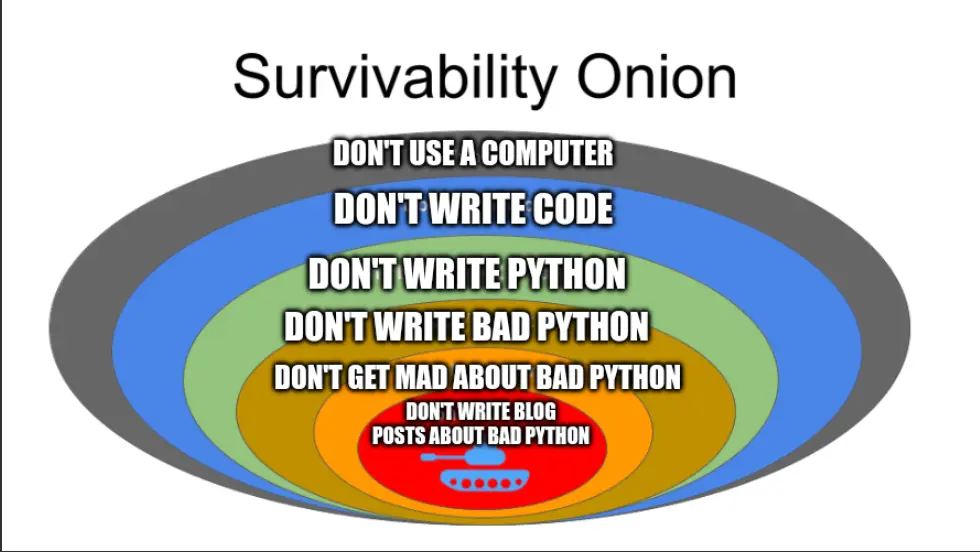 The survivability onion meme, but the layers are relabeled to say: don’t use a computer, don’t write code, don’t write python, don’t write bad python, don’t get mad about bad python, don’t write blog posts about bad python